 Design guide
Design guide
Design guide
Let Ragic AI build a database for you. By describing your system requirements, Ragic AI will automatically create a series of related sheets. You can also ask Ragic AI to query sheet data.
After clicking "Build a Database" in Ragic AI, please fill in and select your database requirements.
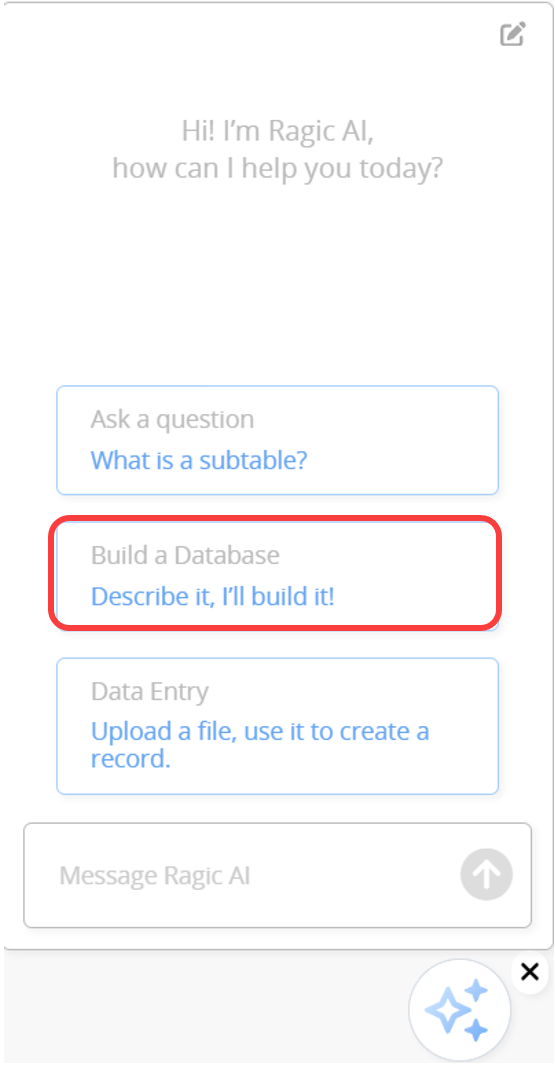
List the features you want this system to have and how it should help your team complete tasks. Based on these requirements, you can then select the appropriate options, including use case, industry, primary audience, teams and ownership, and number of employees.
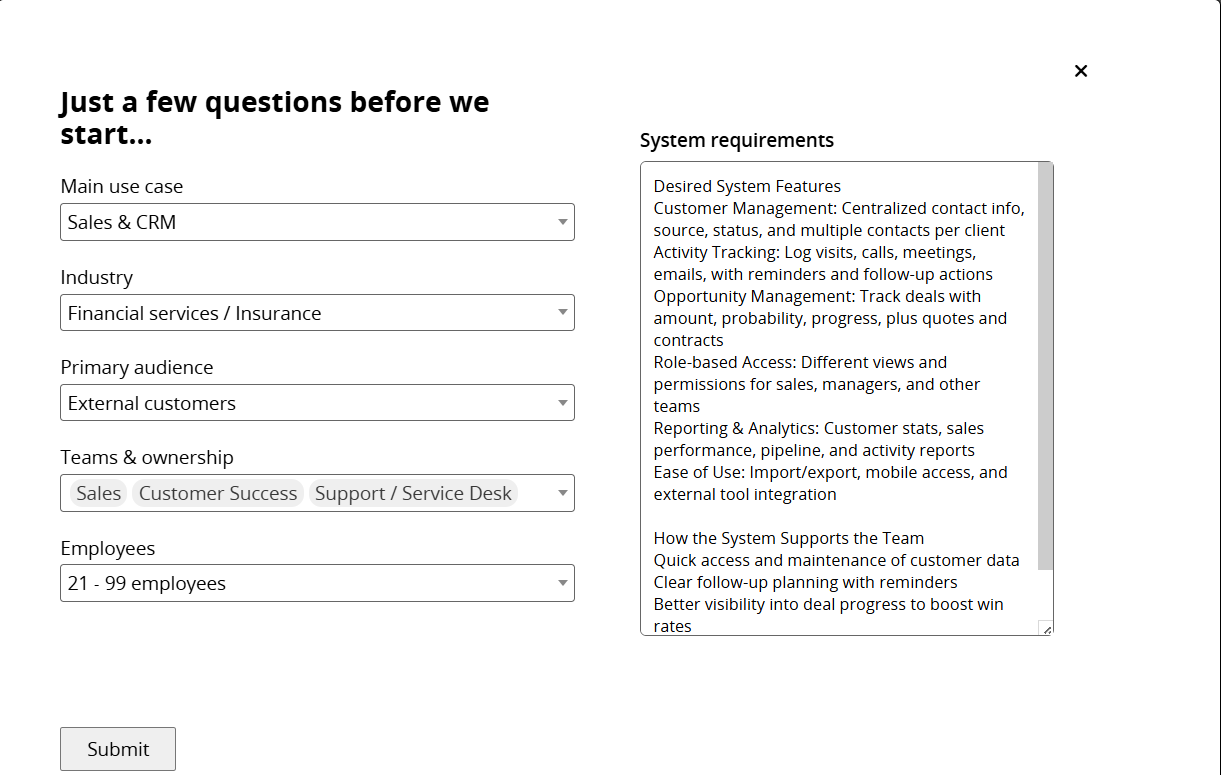
After clicking "Submit", you will see Ragic AI begin Build the database according to your requirements.
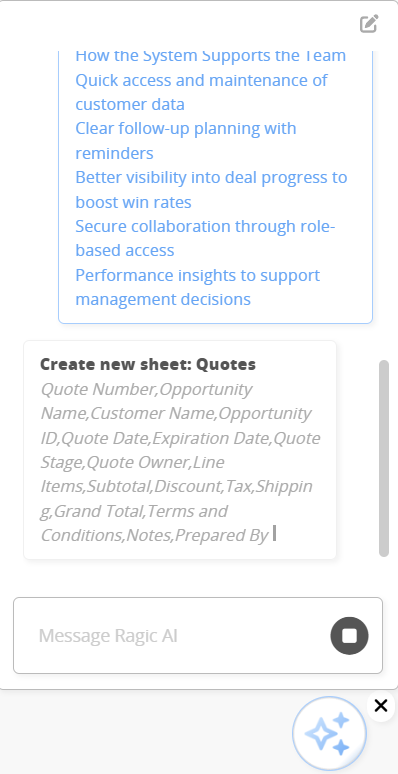
The creation process may take some time. For more complex designs, it may take over half an hour. Once completed, you can view the created sheets.
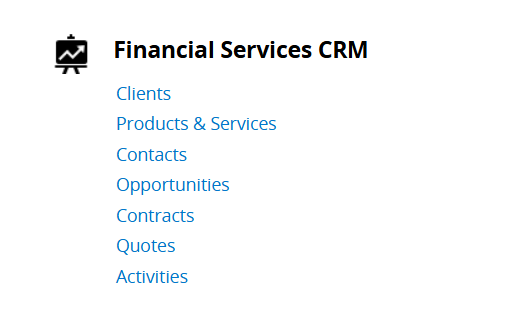
Ragic AI provides a Sheet Relationship Diagram, along with descriptions and usage instructions for each sheet.
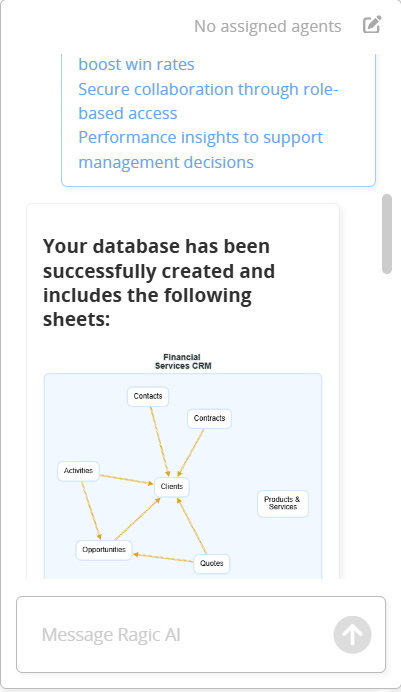
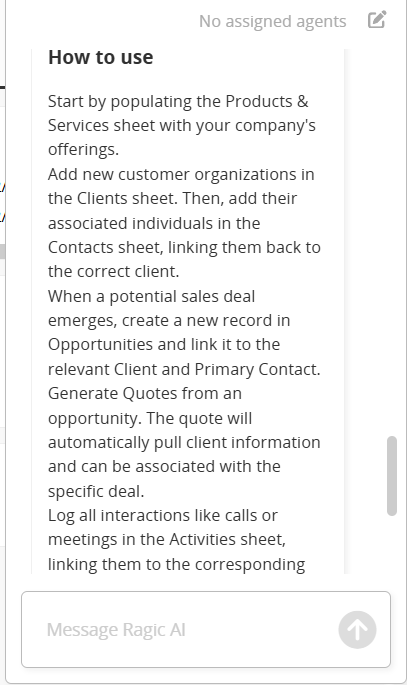
Click the Sheet Relationship Diagram to see how the sheets are connected.
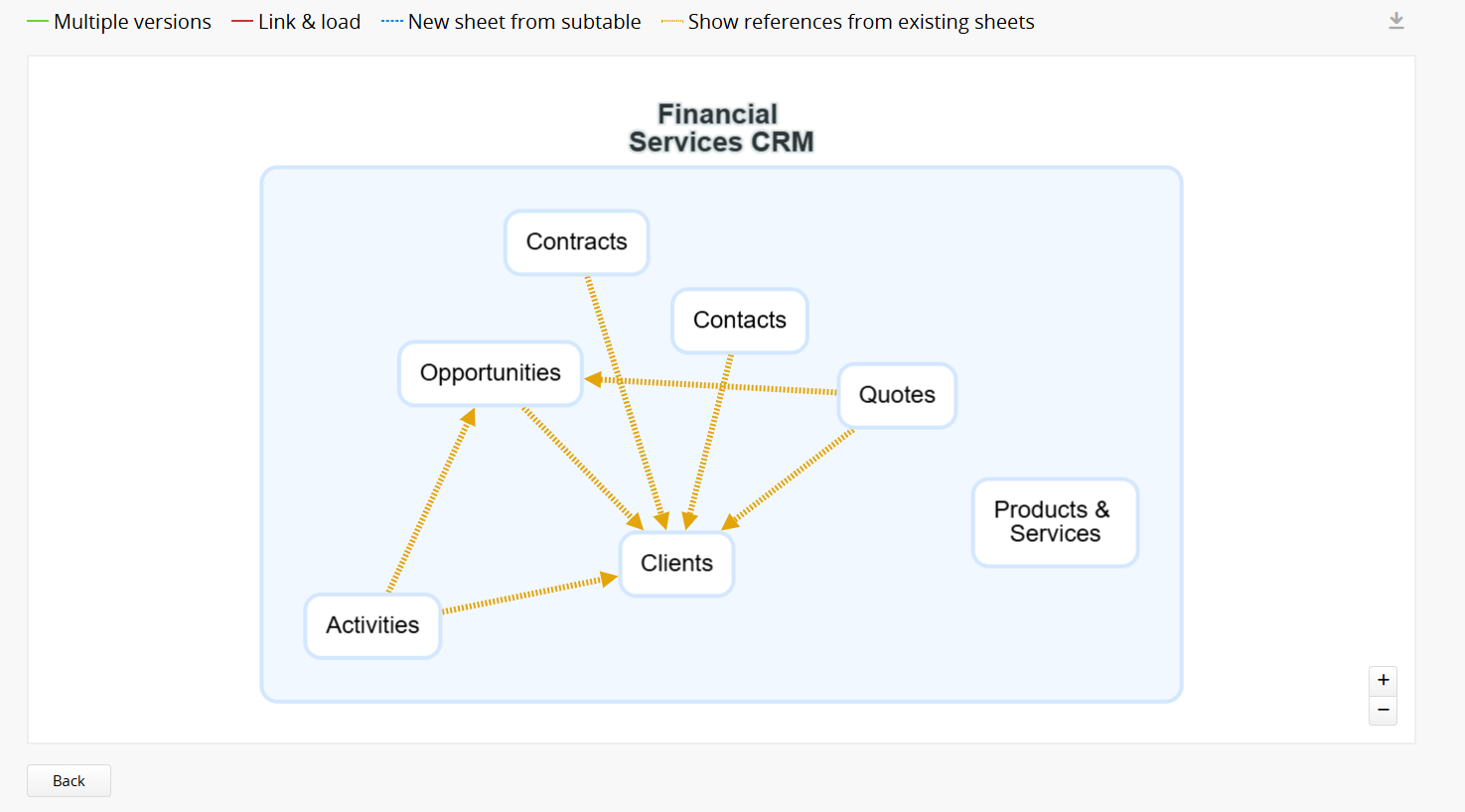
Then you can manually add sheets, reorganize relationships between sheets, adjust fields, or optimize the workflow and have Ragic AI rebuild the database.
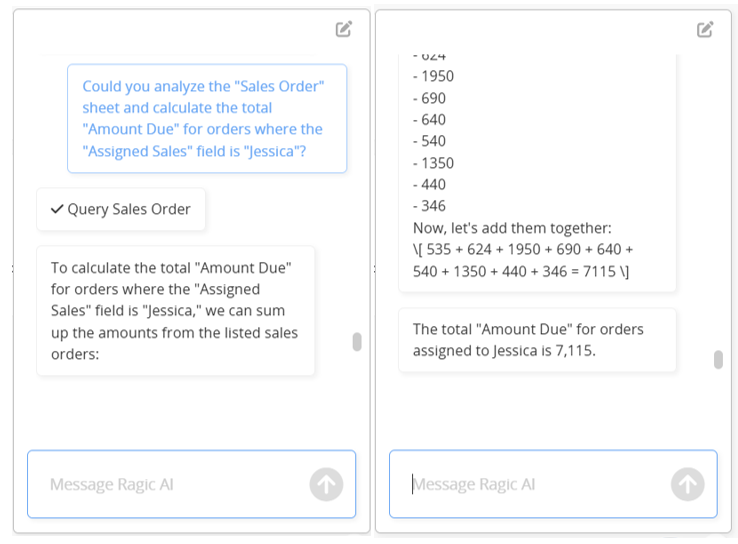
Ragic AI can query data from a specific sheet in the database. For example, if you request sales orders where the "Assigned Sales" is a certain salesperson, Ragic AI will return a list of relevant orders and corresponding field data.
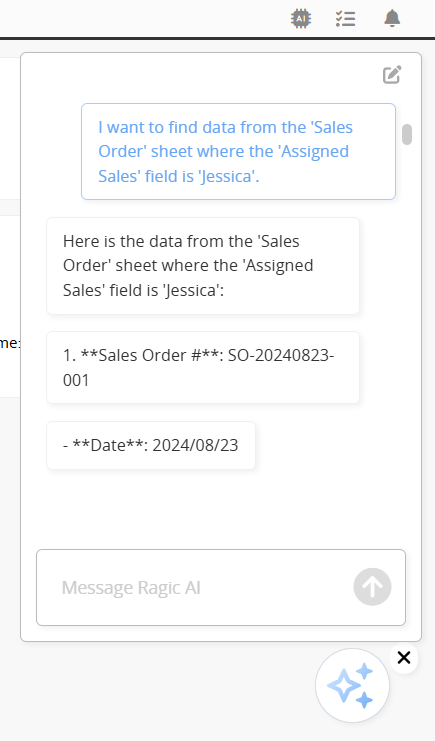
It can also perform simple analyses on the sheet.
Note: Currently, Ragic AI cannot assist in generating reports, but you can ask for suggestions on sheets or reports.
 Thank you for your valuable feedback!
